Follow the restoration of current outages through the CGEMC Outage Viewer. Outages are updated in real time.
Image
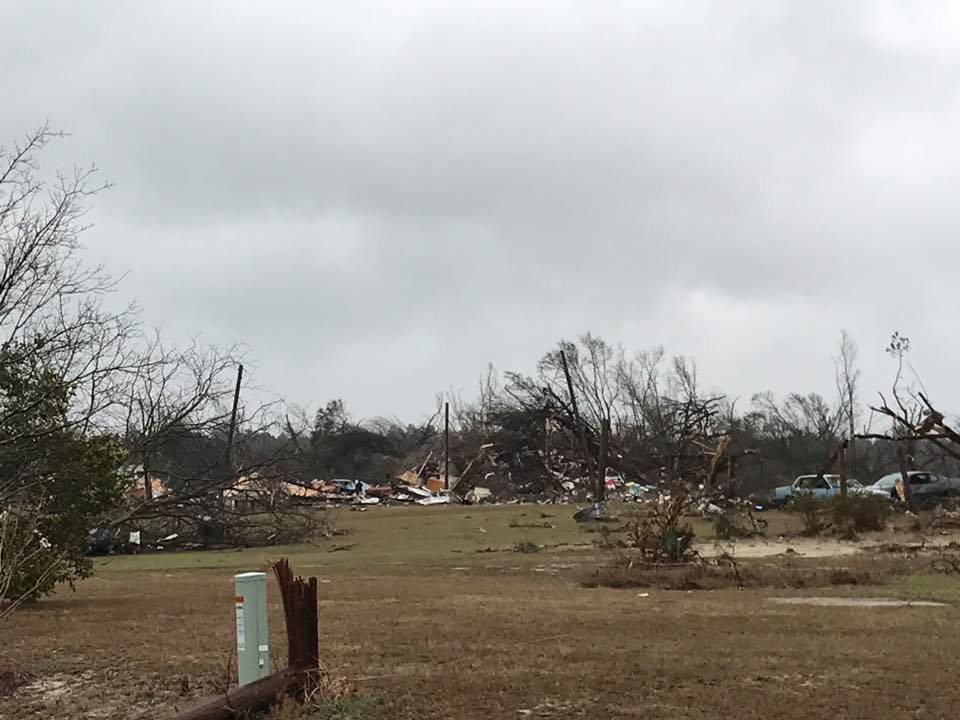
View Current Outages
Image
How to Report an Outage
Check Your Breakers First
Go to your main electrical panel and see if a breaker has tripped. If so, reset it and see if power is restored.
Report the Outage
If the problem isn’t inside your home, report your outage using one of these methods:Text OUTAGE to 352667 using the mobile number listed on your account.
Use the Mobile App.
Call our 24-hour Outage System at 770-775-7857
Log in online to your account.
Keep Your Contact Info Updated
Make sure your phone number is current with Central Georgia EMC. This helps us quickly match your outage report to your service address.
Safety Center
Image

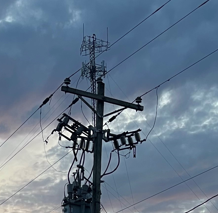
As your Touchstone Energy Cooperative, your safety is important to us. Explore this information to help to keep you and your loved ones safe around electricity.